Managed SCADA Servers
On-premise SCADA servers for factories — rent or buy the hardware, we monitor it, back it up, and manage it.
Local SCADA, Fully Managed
SCADA has to run local — close to the PLCs and the plant floor, on your network. We use the same managed server setup we deploy for our other on-premise customers: Proxmox, ZFS or CEPH, and full monitoring.
- Rent or purchase: Your call — we offer both
- On-site deployment: Installed at your facility
- Same proven stack: Proxmox, ZFS/CEPH, and our monitoring platform
- Industrial focus: Historical data, HMIs, OPC servers, and plant-floor integrations
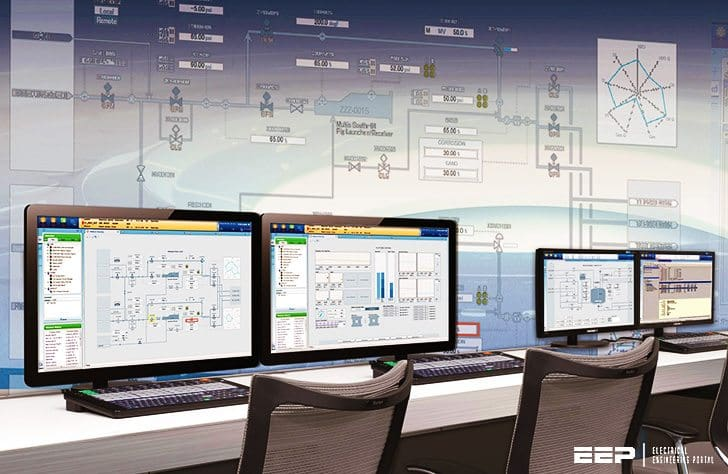
"Most often, the SCADA server has become neglected — sometimes it's nothing more than a PC on the plant floor that was never properly maintained."
Why On-Premise for SCADA?
Plant-Floor Latency
Close to the equipment — no cloud in the middle
Air-Gapped Options
Keep OT networks isolated from the internet
Historical Data Storage
Trend and compliance data kept on your network
Vendor Compatibility
Run your SCADA, HMI, and OPC software as-is
Completely Monitored & Managed
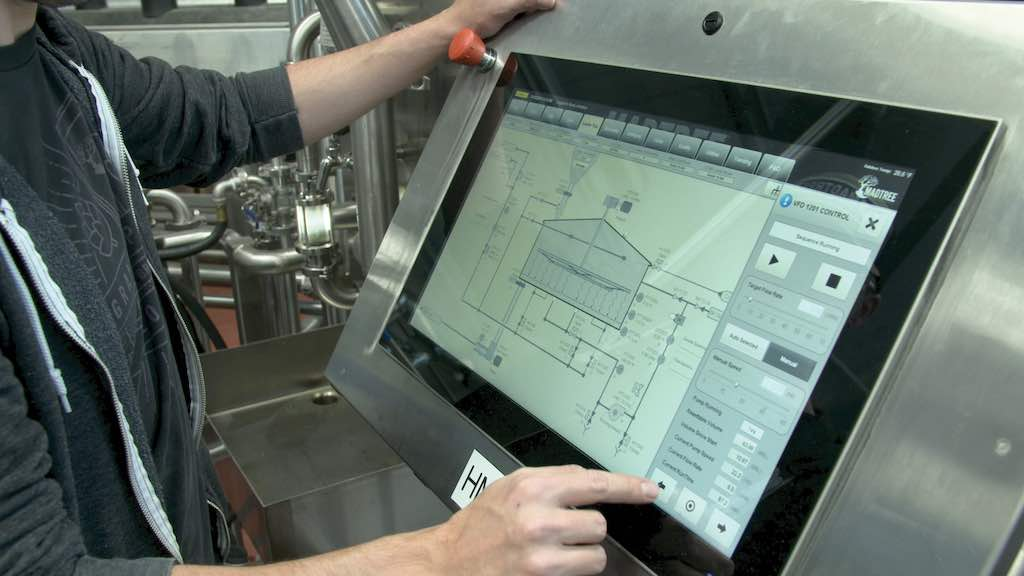
We monitor the entire system in real time — disks, all nodes, backup completion and health. Same team that runs our on-premise servers.
"No tier-1 runaround. When something needs attention on the plant floor, you reach the engineers who built and maintain the system."
24/7 Monitoring
We watch disks, nodes, backups, and service health continuously. When something fails, our team knows before your operators do.
Maintenance & Updates
OS patches, firmware updates, and hardware maintenance — handled by our engineers, not your plant staff.
Direct Engineer Access
No tier-1 runaround. When something needs attention on the plant floor, you reach the people who built and maintain the system.
Full Onsite & Offsite Backup
We back up the entire VM image — onsite for fast restore, offsite if you lose the server or the site.
"We fully image your SCADA system and load it onto the server. Nothing in the software changes — only the hardware underneath."
Onsite Backup
Local copies on the same network for when you need a VM back quickly — a bad update, a corrupt image, that kind of thing.
- Automated VM and configuration backups
- ZFS snapshots for point-in-time recovery
- Rapid restore without waiting for offsite transfer
- Backup verification and monitoring included
Offsite Backup
Encrypted copies go to our cloud infrastructure. If the server or the site is gone, we restore to replacement hardware.
- Encrypted in transit and at rest
- Multiple retention points for historical and VM data
- Disaster recovery restore to replacement hardware
- Regular restore testing by our team
Optional Redundancy
Data protection drives the choice. A single unit is rare — most plants need at least two.
"Repair on a single node can take around four hours. Dual-node failover costs you about a minute. CEPH gives you zero loss — but you need three units."
Single Unit
One managed host. Works for sites that can tolerate a few hours down while we repair hardware.
- Lowest cost entry point
- Onsite + offsite backup included
- Upgrade path to redundancy later
Dual-Unit Redundancy
Two units with automatic failover. About one minute of downtime when a node fails or needs maintenance.
- Active/passive or active/active
- Planned maintenance without taking SCADA offline
- Shared or replicated storage between nodes
Enterprise — CEPH (3 Units)
Three units with CEPH storage. Zero-loss failover when a node goes down — for plants that cannot afford any interruption.
- CEPH distributed storage across all nodes
- Survive simultaneous drive or node failures
- Horizontal scaling for historical data growth
Frequently Asked Questions
Talk to Us About Your SCADA Server
We'll look at what you have, understand your issues, and figure out what you need — including redundancy and compliance around your data.